Step-by-step
Build an online store for free, step by step
Here's exactly how to go from nothing to a live store taking orders — what to prepare, what to click, and what to do on day one.
- Free plan, ₹0 forever
- No credit card needed
- No coding
Before you start: what to have ready
You don't need much. Keep these handy and the setup really does take minutes: your brand name, 5–10 product photos taken in daylight, a price and stock count for each, and a rough idea of your delivery charge.
Optional but useful: a short line about what makes your products different, your WhatsApp Business number, and your GSTIN if you're registered.
What you'll have at the end
A live web address
yourbrand.shopersite.in, secure and ready to share.
A designed home page
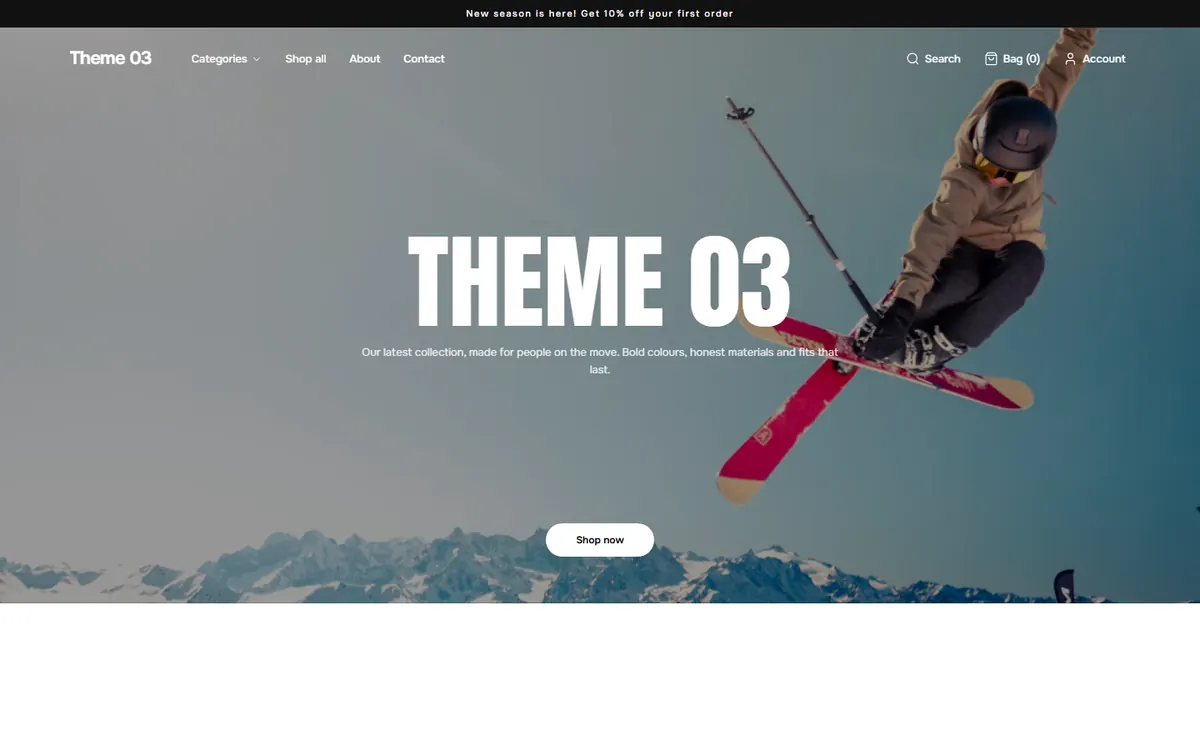
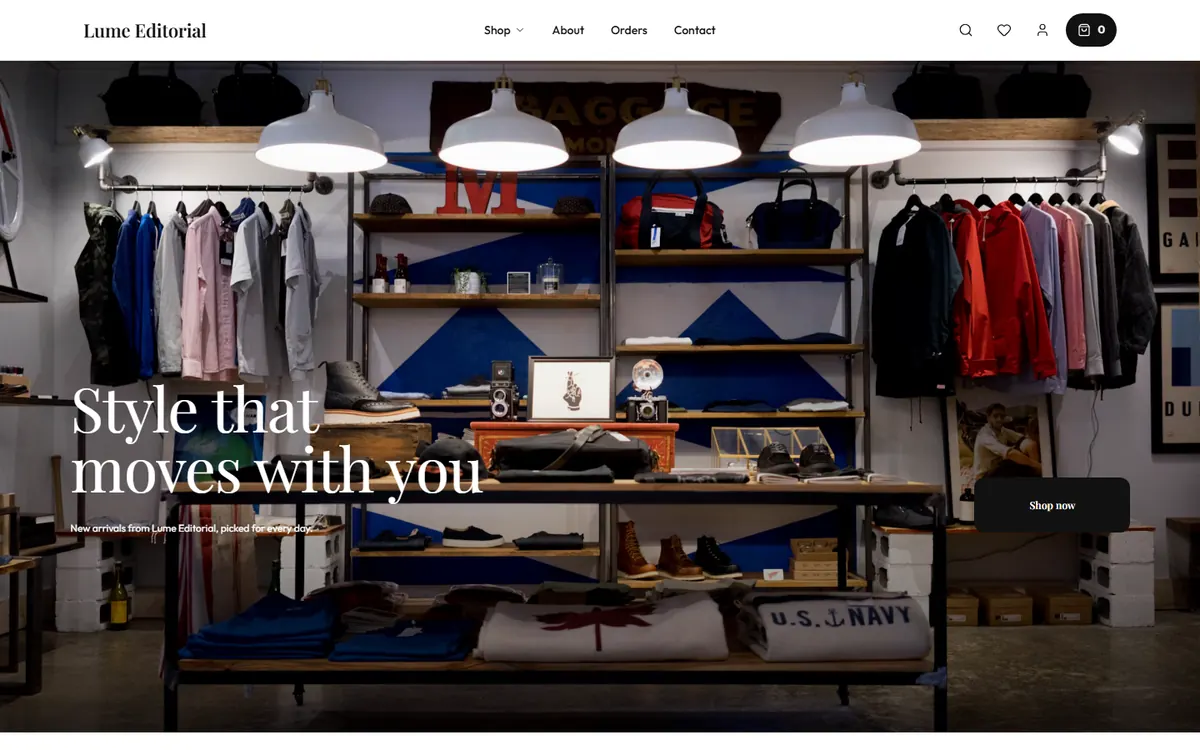
Your theme with banner, collections and products.
Product pages
Photos, price, MRP, options and stock for every item.
Policy pages
Returns, shipping, terms and privacy from editable templates.
Delivery rules
Free, flat or free above a value — your choice.
A dashboard in your pocket
Manage orders from your phone browser or the Android app.
The four steps
- Step 1
Create your account
Go to sign up, name your shop and choose what you sell. Pick the Free plan.
- Step 2
Add your products
Products → Add product. Clear names like “Cotton kurta set, blue” help buyers and search engines.
- Step 3
Set delivery and payments
Choose a delivery fee rule. Cash on delivery is on by default; online payments come with Growth.
- Step 4
Add a policy and open
Add at least one policy page, switch your shop on and share the link everywhere.
Your first week after launch
The store is the start. These small habits bring the first orders.
Day 1
Share with friends, family and WhatsApp groups. Ask for honest feedback.
Day 2–3
Post a reel showing a product in use, with your link.
Day 4–5
Fix photos or descriptions on products that get views but no orders.
Day 6–7
Try a small first-order coupon on Growth, or free delivery above a value.
What's free, and what's paid
The Free plan is genuinely free — no trial clock and no card. Paid plans add online payments, marketing tools and your own domain when you need them. Payment and shipping partners bill their own fees.
| Feature | Free | Growth | Pro |
|---|---|---|---|
| Price | ₹0 forever | 1 month free, then ₹199/month | 10 days free, then ₹299/month for the first 2 months, then ₹599/month |
| Products | Up to 75 | Up to 200 | Unlimited |
| Your own shop address (yourbrand.shopersite.in) | |||
| Cash on delivery | |||
| Online payments (UPI, cards) via Razorpay | |||
| WhatsApp order messages | |||
| Coupons, reviews, abandoned-cart recovery | |||
| Shiprocket shipping and bulk CSV upload | |||
| Your own domain (www.yourbrand.com) | |||
| GST invoices, no Shopersite branding |
Questions sellers ask
How long does it take to build the store?
Signing up takes a couple of minutes. Adding your first products and a policy page usually takes under an hour, depending on how many products you have.
Can I build the store on my phone?
Yes. The whole dashboard works in a phone browser and in the Shopersite Android app.
Do I need a GST number to start?
No. You can add a GSTIN later if you're registered. Check with a CA about whether you need one.
Also on Shopersite
Ready? Build your store now
Free plan, ₹0 forever. No credit card. Your shop is live in minutes.